
Psiphon
Psiphon is a free and open-source internet censorship circumvention tool for Windows that connects you to blocked websites through its own network.
10.8 MB

VPN Client is a Windows VPN app from Yellow Elephant Productions, distributed through the Microsoft Store, for encrypting your PC's internet connection.
Average 0.0 · ratings: 0
Thank you! Your rating is saved; you can change it. Could not save the rating. Please try again later. Too many ratings from your network today. Please try again tomorrow. The average appears after 5 ratings.
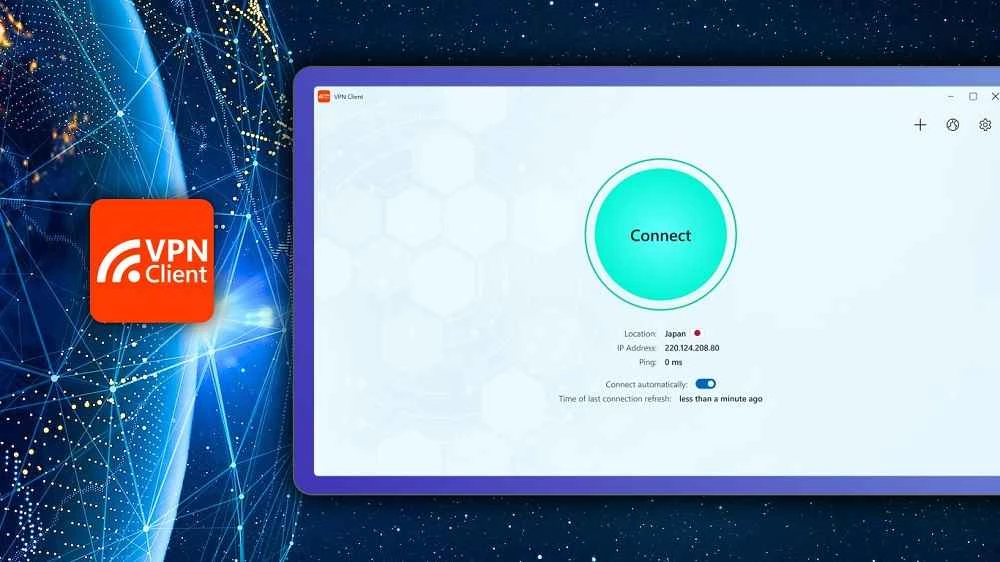
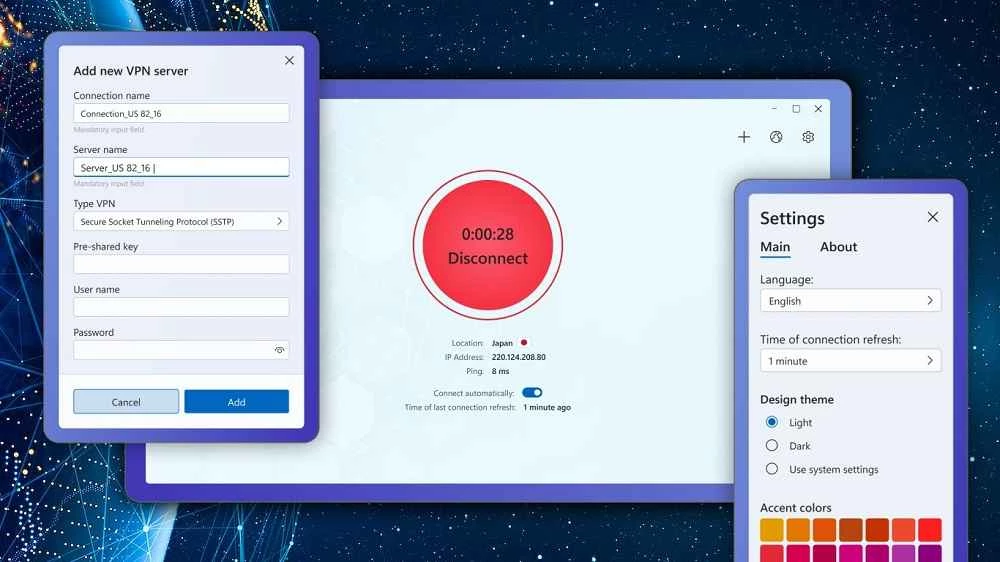
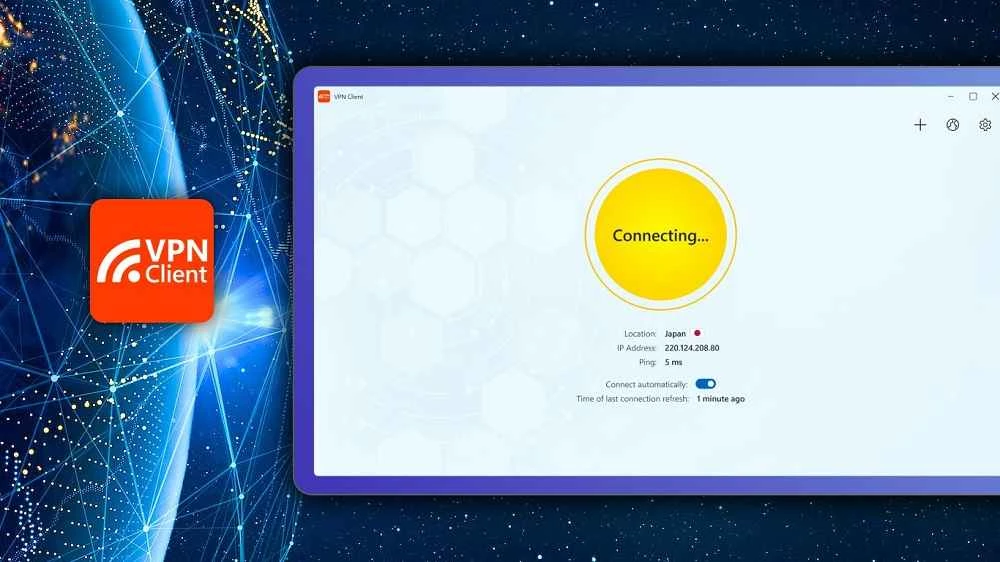
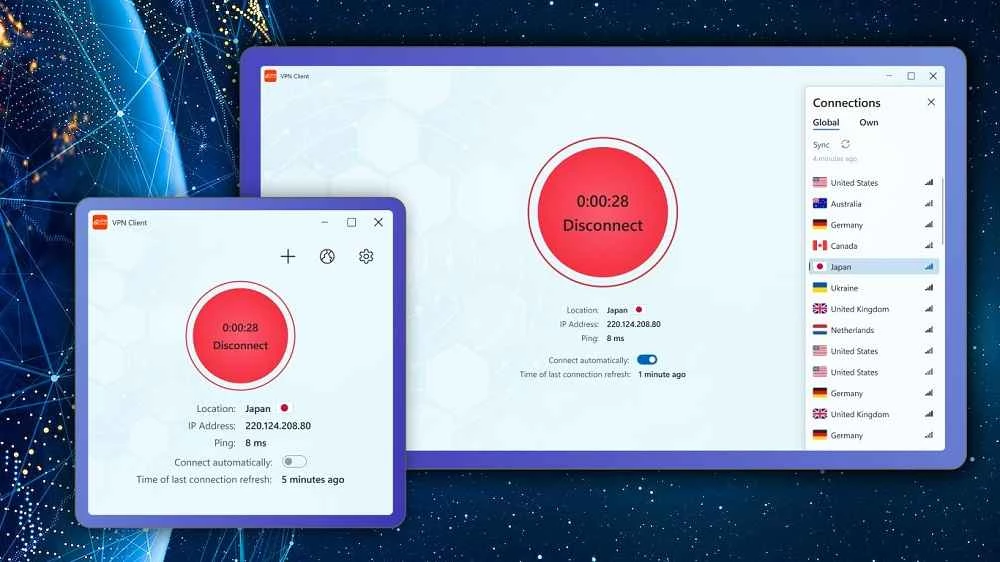
VPN Client 1.402.99.0 is a Windows VPN app from Yellow Elephant Productions, distributed through the Microsoft Store. It connects your PC to a VPN server, encrypting traffic and replacing your IP address with the server's. The app is free to download, and you can download VPN Client for Windows from its Microsoft Store listing.
Like other consumer VPN apps, it creates an encrypted tunnel between your PC and a remote server. Everything your browser and other programs send goes through that tunnel, so the local network, for example public Wi-Fi in a café, cannot read unencrypted traffic, and websites see the server's location. The app's name is generic, which makes it easy to confuse with the built-in VPN settings of Windows or with VPN clients from other companies. Always check the publisher name in the Store before installing.
The app is about 17.37 MB according to catalogue data. The company behind it can be found at tidalmediainc.com.
The download is free. Many Store VPN apps offer a limited free mode and sell subscriptions for more servers or speed. Read the Store listing and any in-app price screens before you agree to a subscription, and manage or cancel subscriptions through your Microsoft account.
Windows has its own VPN settings, but they only connect to a server you already have, such as your company's. An app like VPN Client provides both the software and the servers, so you do not need to configure anything yourself.
A VPN shifts trust from your internet provider to the VPN operator, which can see which servers you connect to. Read the privacy policy linked in the Store listing. A VPN also does not stop websites from recognising you when you sign in, and it is not a substitute for antivirus protection.
VPN use is legal in most countries but restricted in some, and many schools and employers forbid personal VPNs on their networks. Check the rules before connecting.
Streaming and banking services sometimes block VPN servers. Disconnect for that task or choose another location.
Better-documented VPN services in our listings include Proton VPN, Windscribe VPN, Mullvad VPN, TunnelBear and Hotspot Shield.
Psiphon is a free and open-source internet censorship circumvention tool for Windows that connects you to blocked websites through its own network.

1111 Warp VPN is Cloudflare's WARP client for Windows, which encrypts DNS and traffic between your PC and Cloudflare's network.

Turbo VPN for Windows is a VPN client from Innovative Connecting that encrypts your connection and routes it through the provider's servers.

Proxifier is a Windows program by VentoByte that sends the network traffic of any application through a proxy server, even if the app has no proxy settings.

VPN Planet is a Windows VPN client from FreeVPNPlanet with a free option, available from its website and the Microsoft Store.

Radmin VPN is a free Windows program from Famatech that connects computers over the internet into a virtual local network, for LAN games and remote access.

v2rayN is a free, open-source Windows GUI client by 2dust for Xray, v2ray and sing-box proxy servers, with subscriptions and routing rules.

Hotspot Shield is a VPN app for Windows that encrypts your internet connection and changes your virtual location.